Hi,
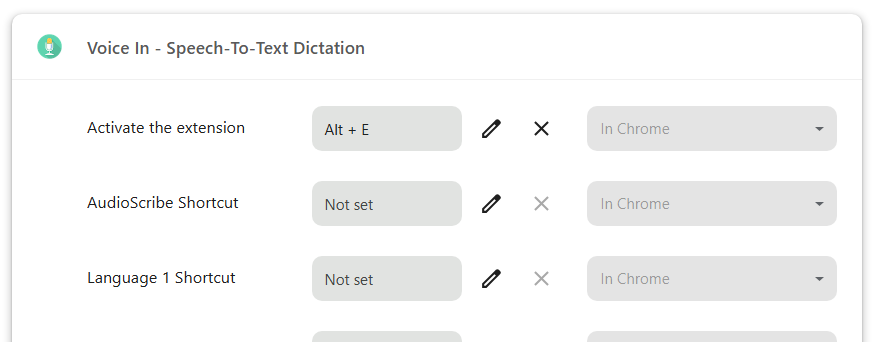
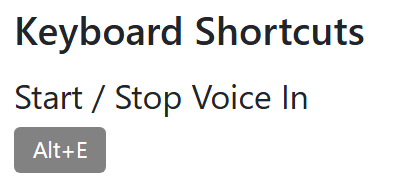
I’ve been using Voice In for years in Google Chrome, and I’ve always used Alt + E as my shortcut key to activate the extension.
All of a sudden, the shortcut stopped working about a week ago. I have not been able to get it working again since.
Here is what I’ve already tried:
-
Checked Chrome extension shortcuts to make sure no other extension is using Alt + E
-
Removed and reassigned the shortcut
-
Uninstalled and reinstalled the Voice In extension
-
Restarted Chrome
-
Restarted my computer
The extension itself still appears to be installed, but Alt + E no longer activates it like it used to.
Has anything changed recently with Voice In, Chrome shortcut permissions, or the way keyboard shortcuts are handled? Is there anything else I should try to get Alt + E working again?
Thanks.